Product Overview & Selection
Summary
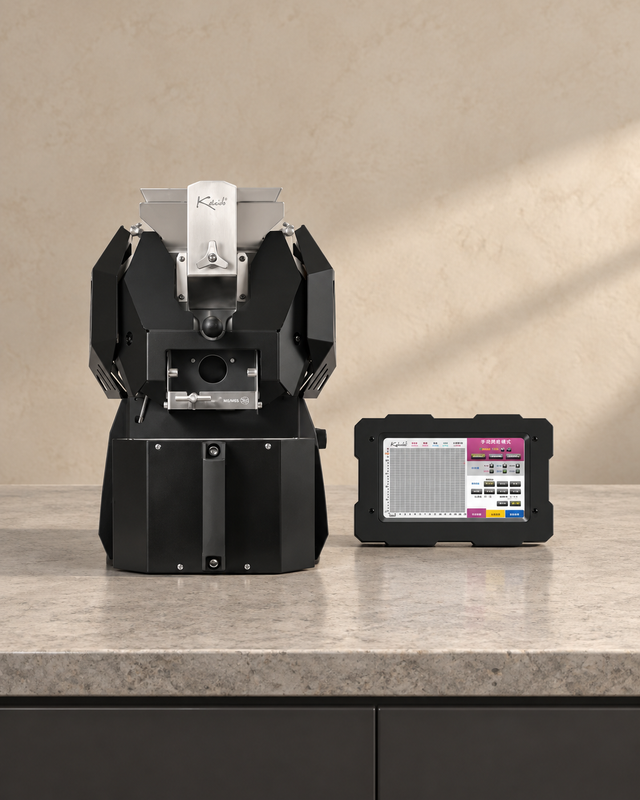
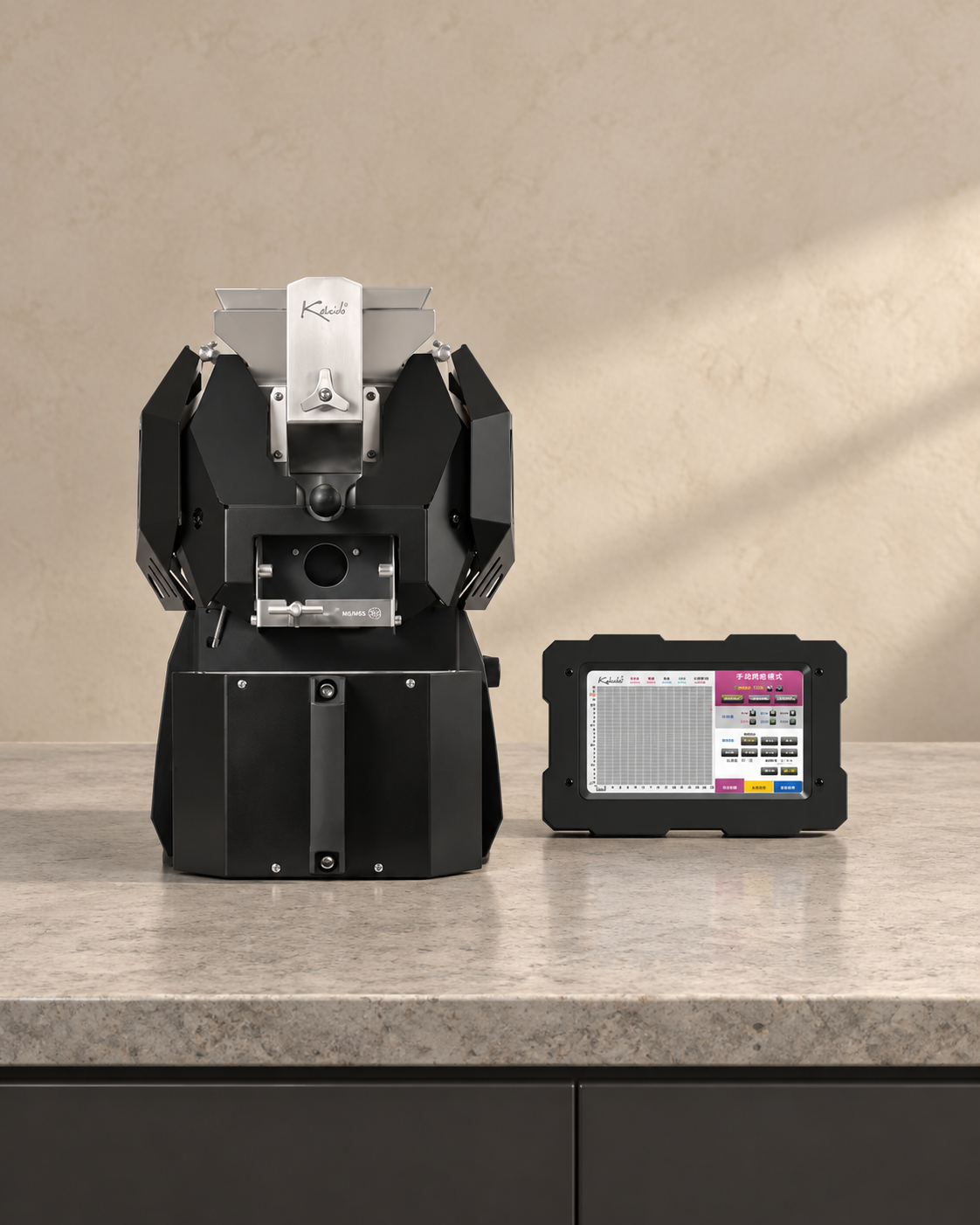
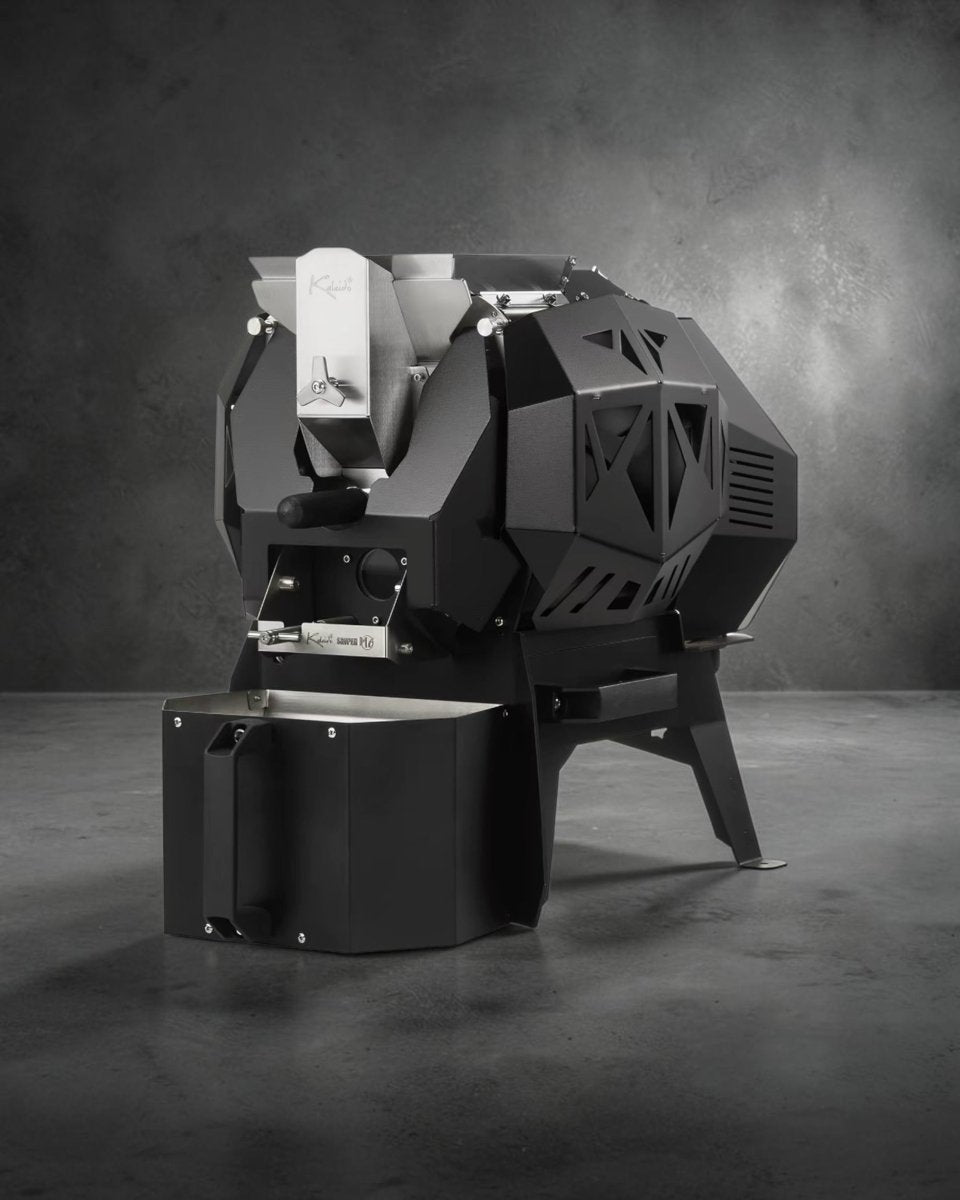
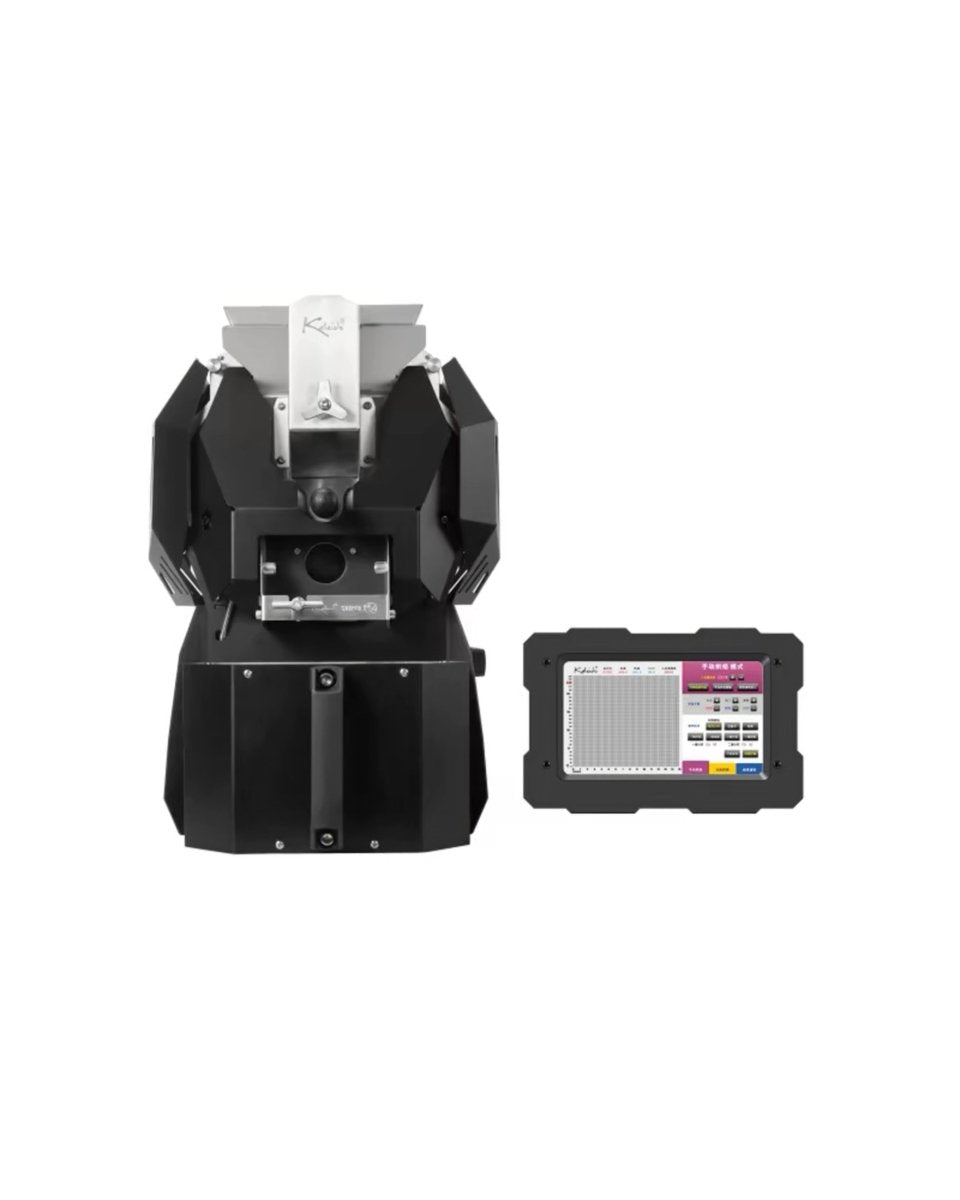
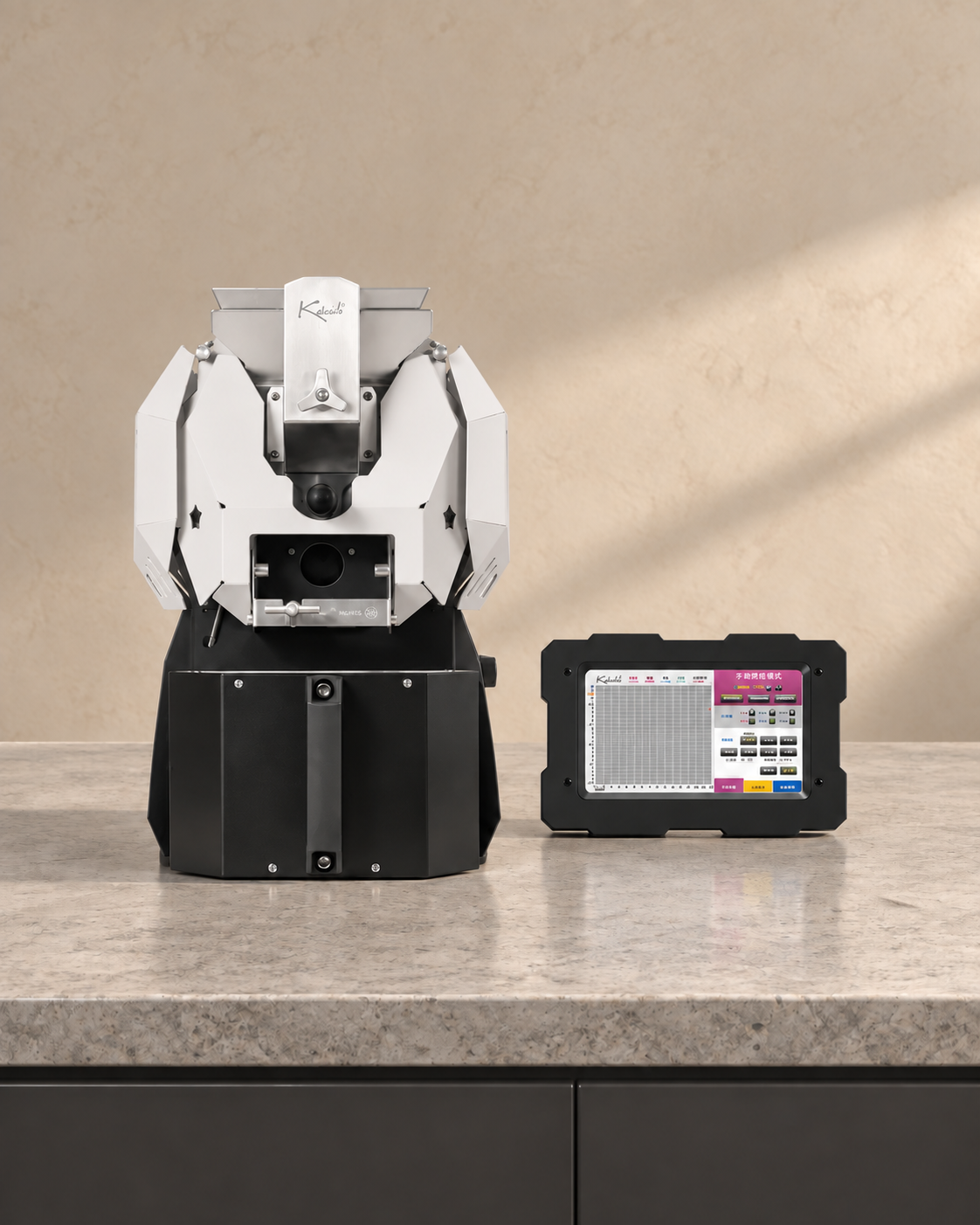
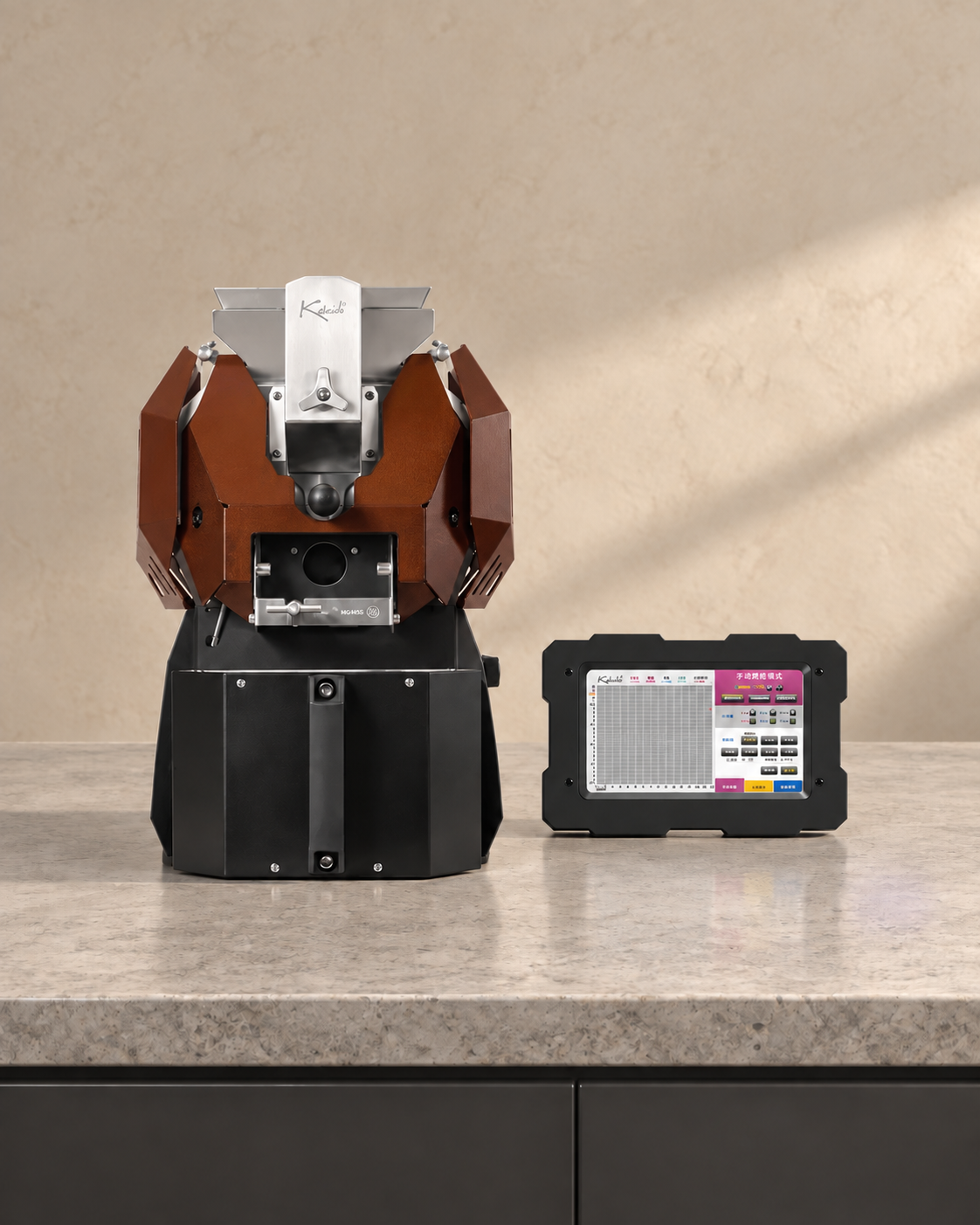
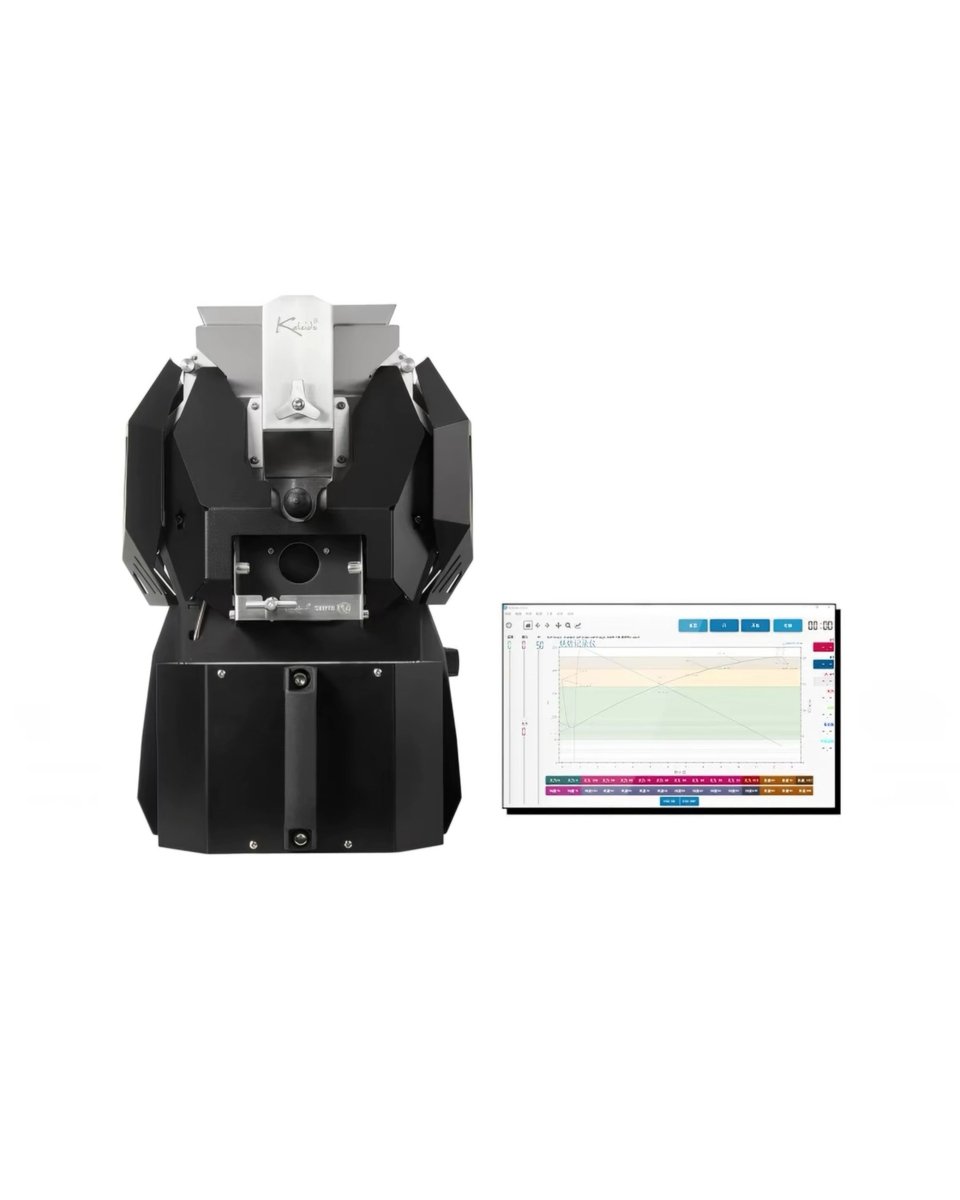
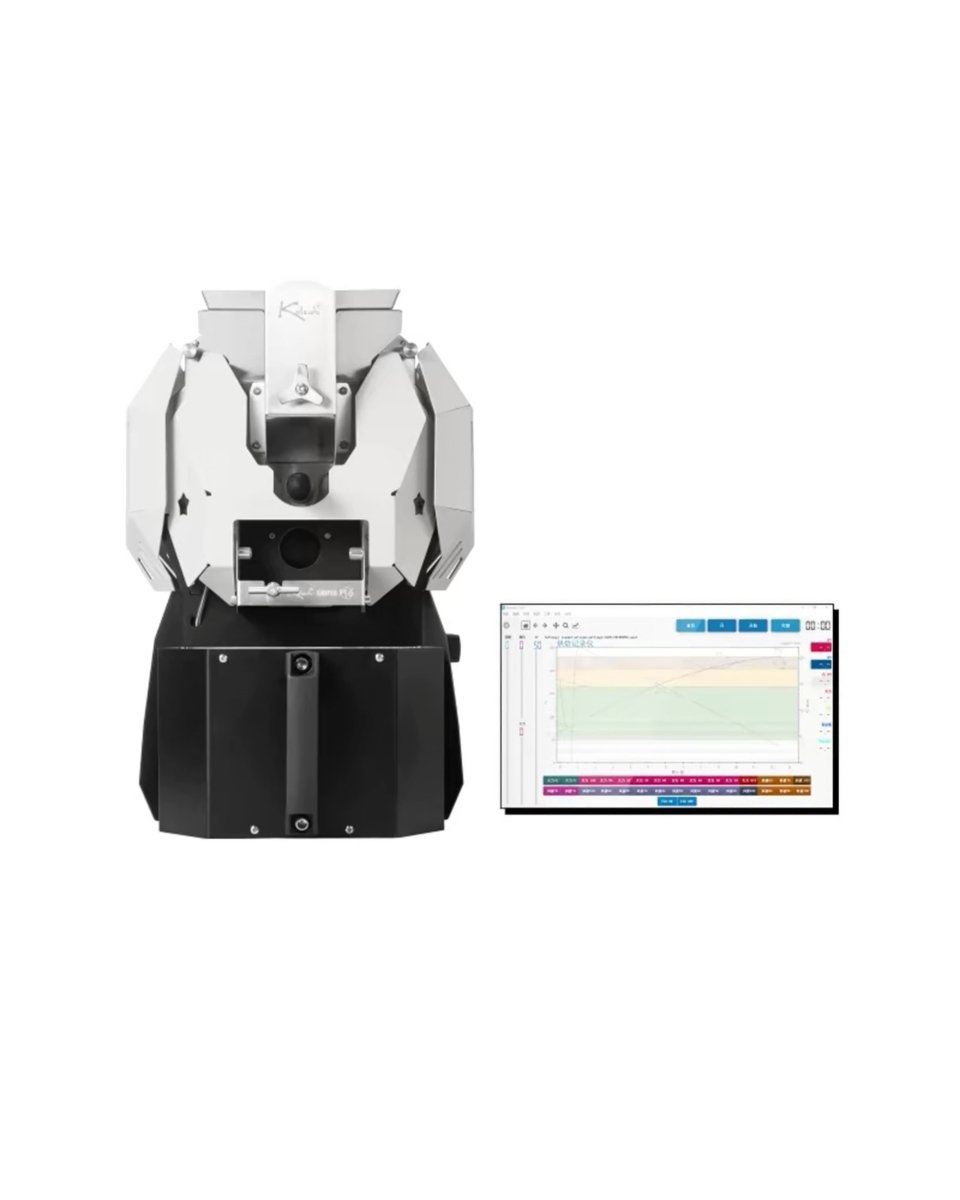
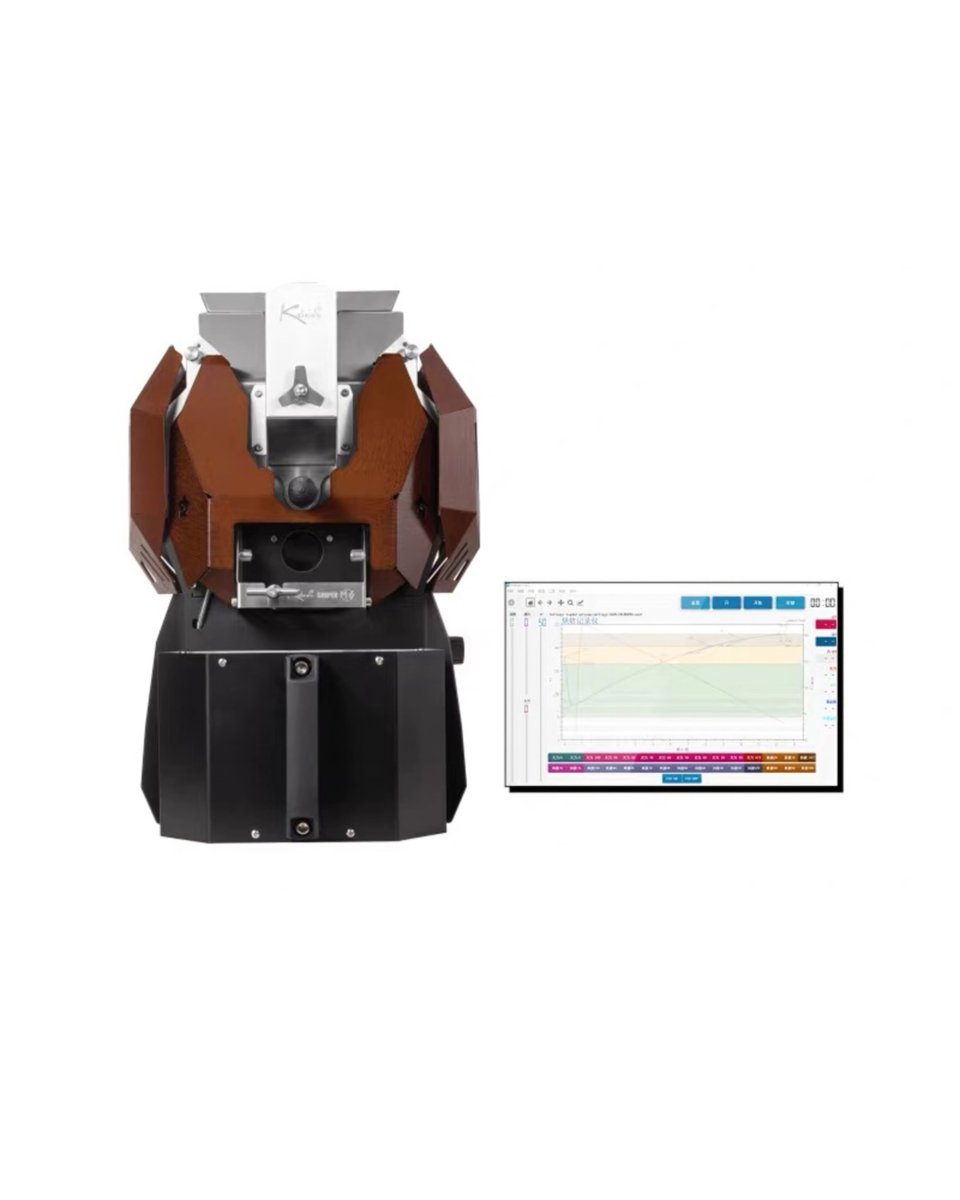
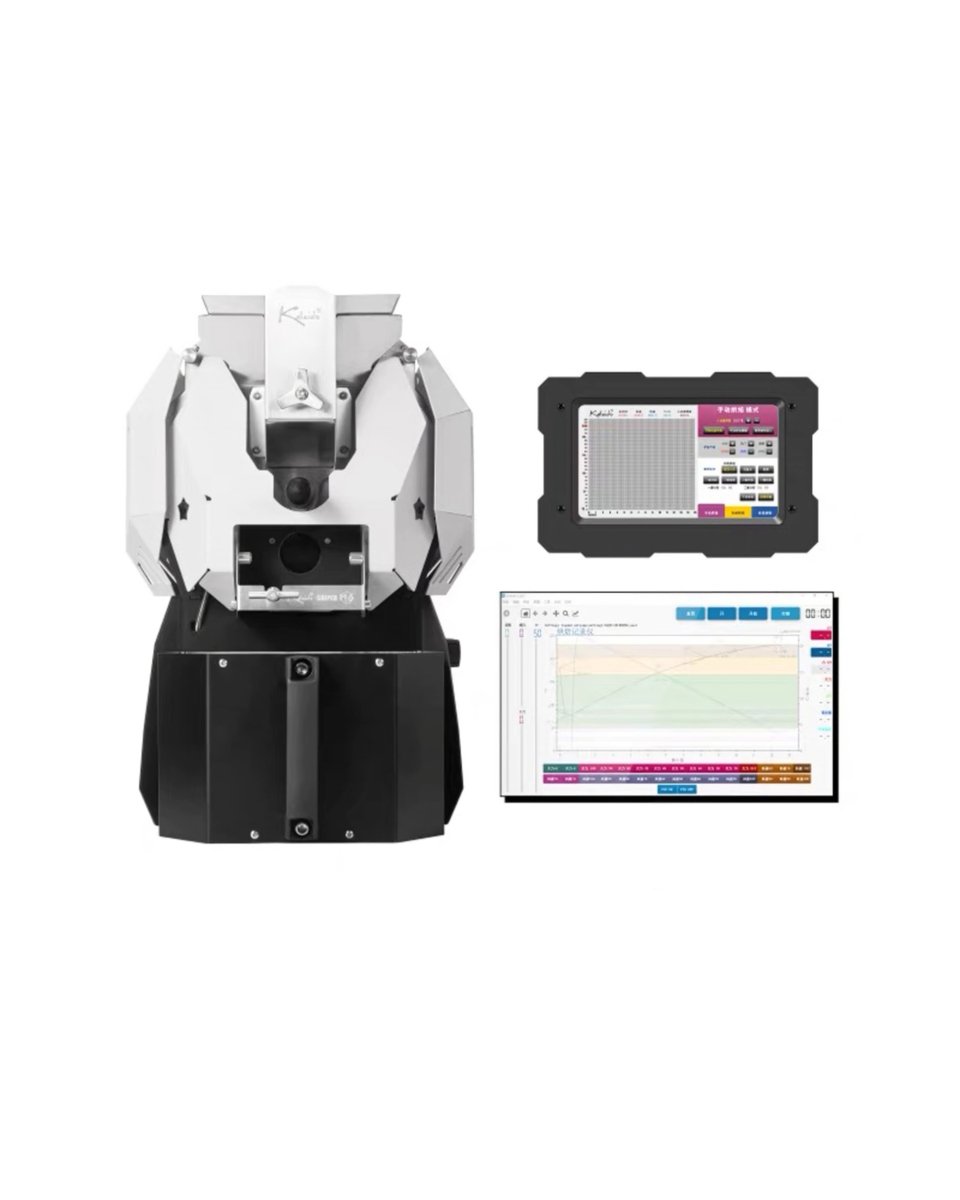
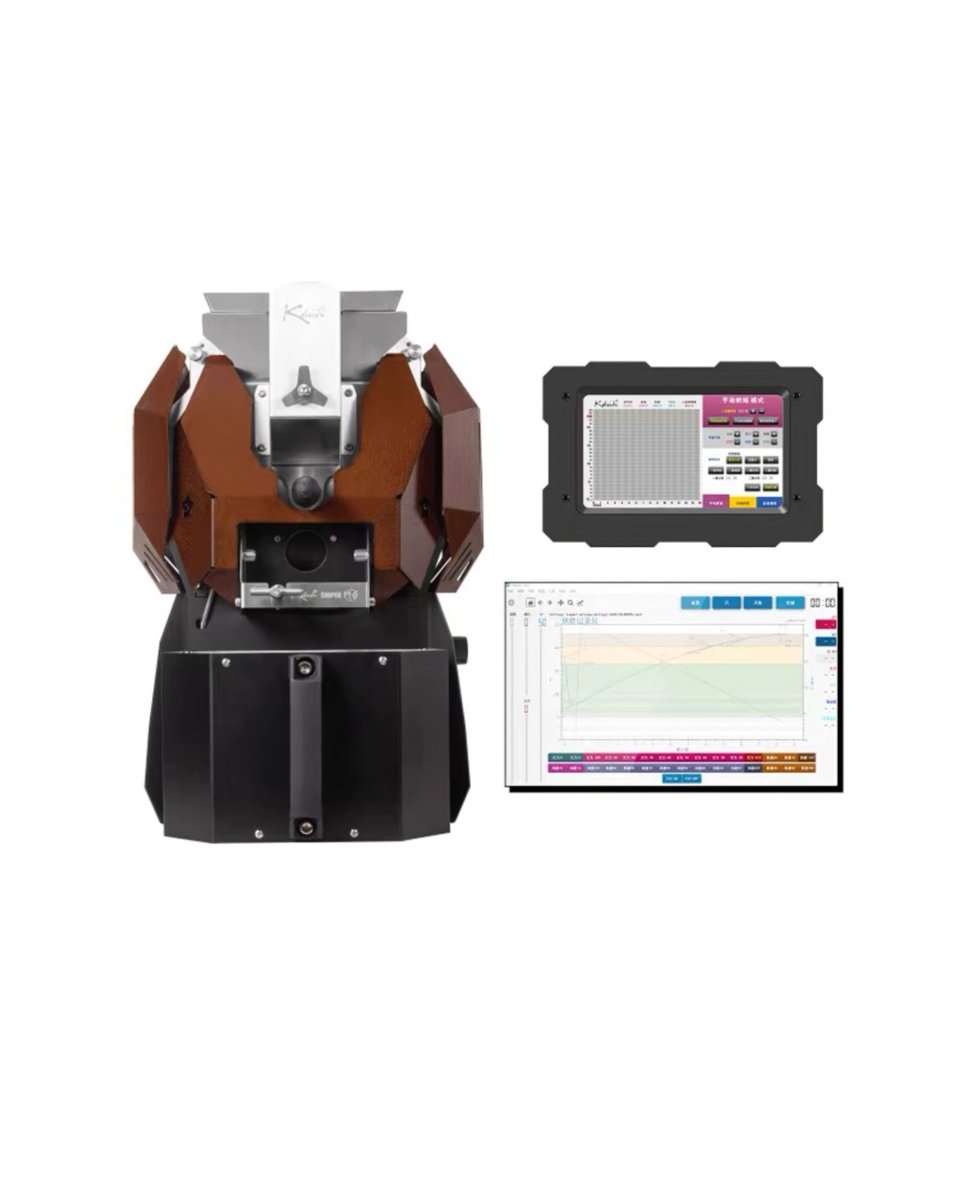
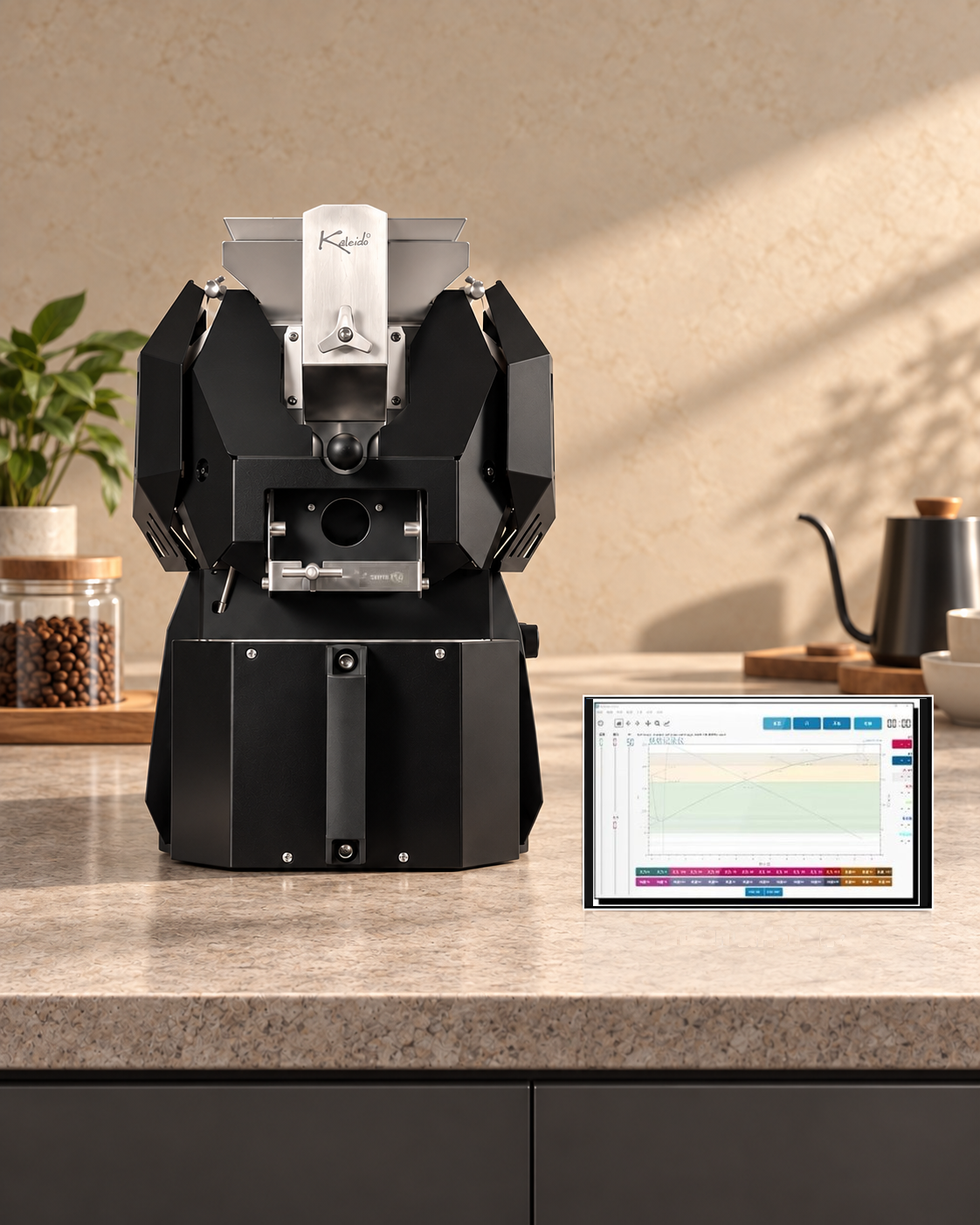
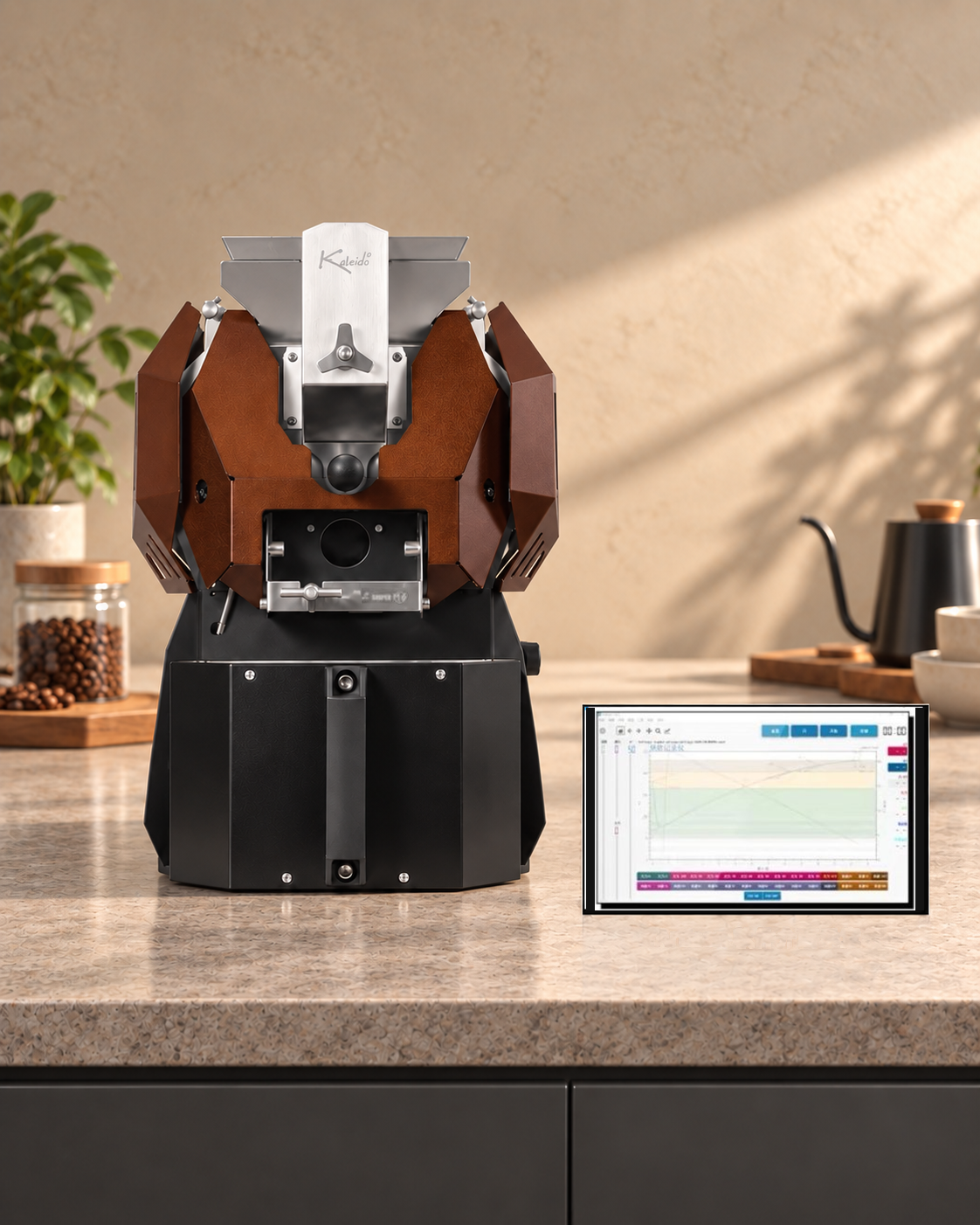
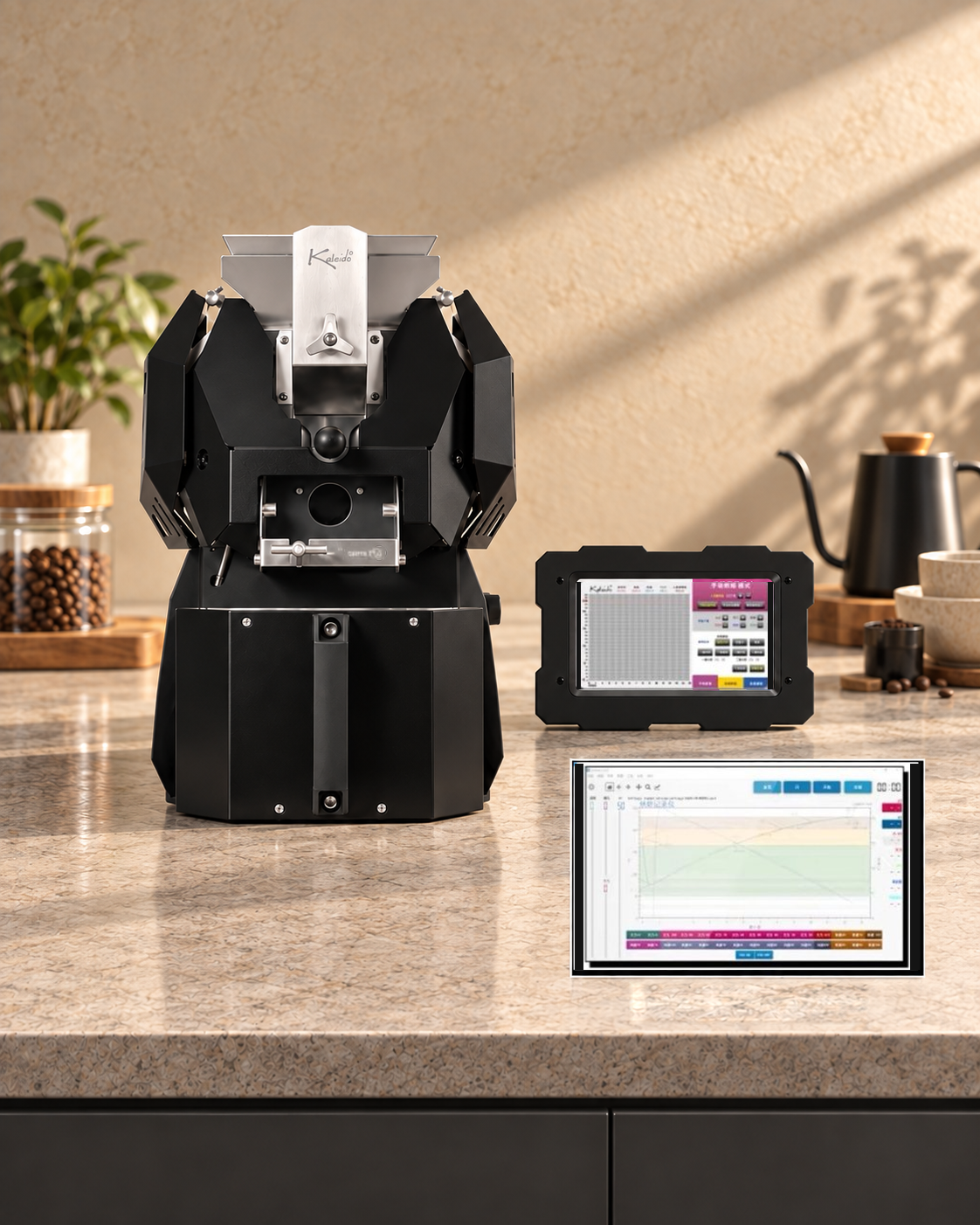
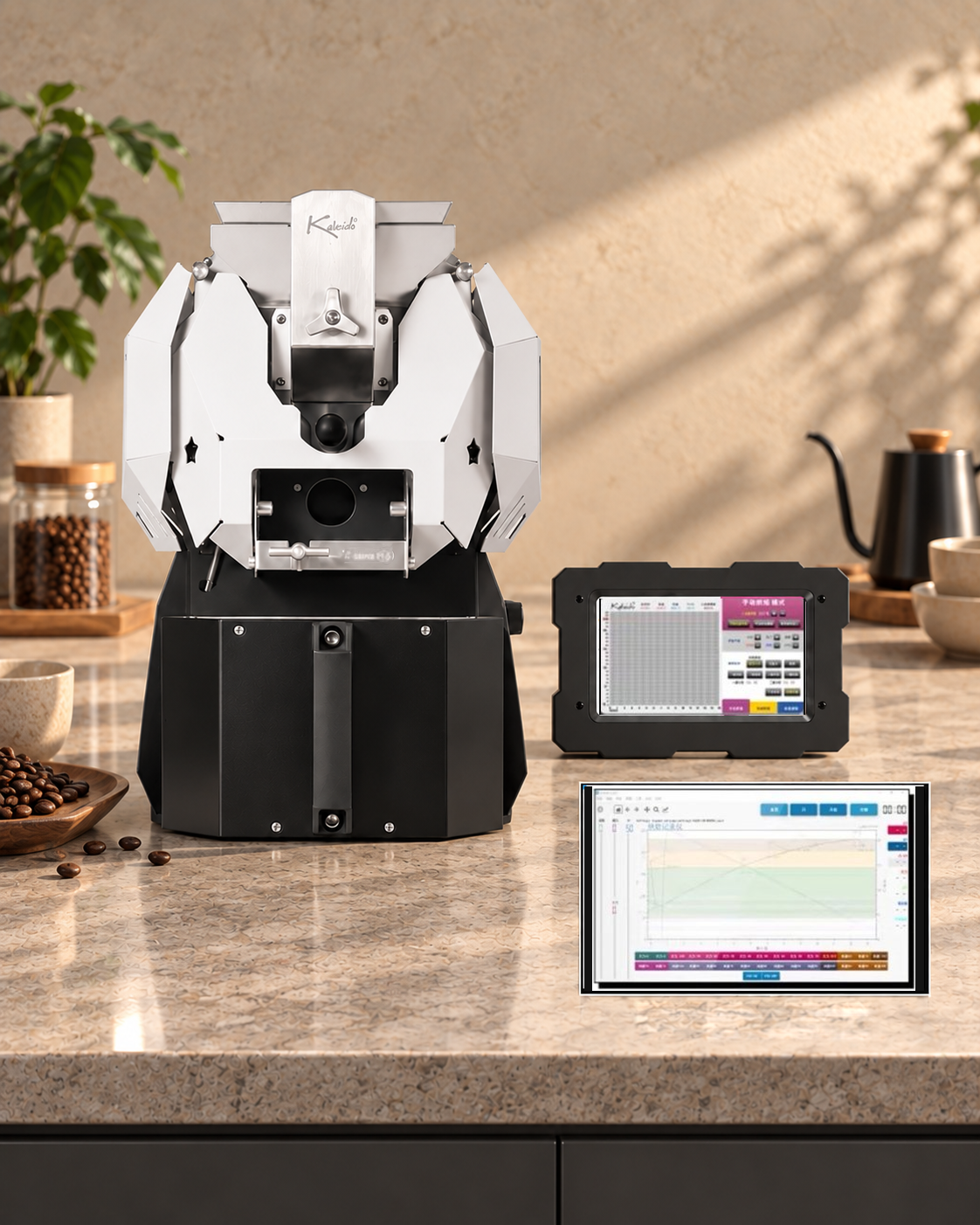
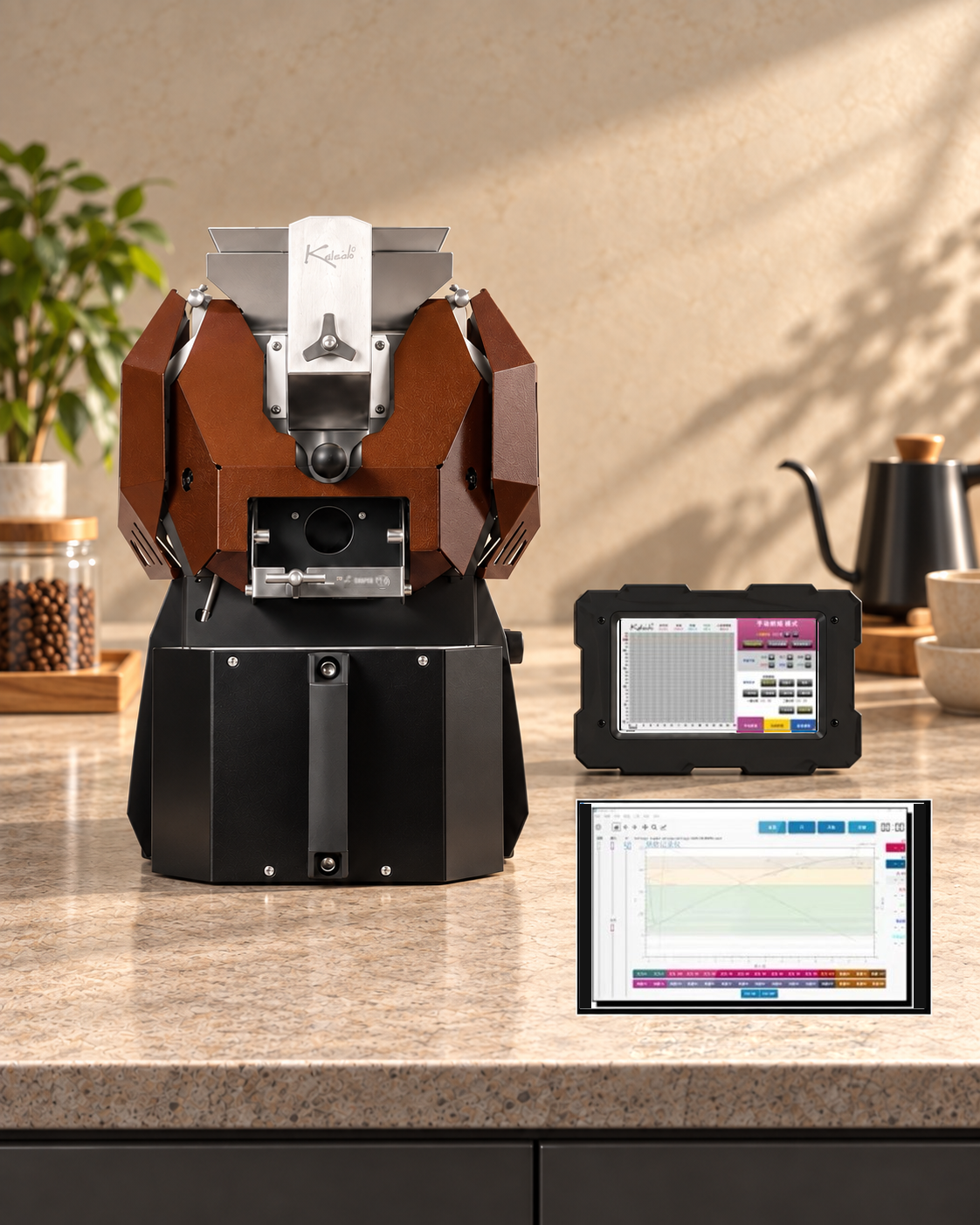
KALEIDO M6/M6S Sniper Coffee RoasterDesigned for experienced home roasters, small coffee studios and cafés working in small batches. The recommended batch size is 200–600g, with a maximum capacity of 700g. Carbon-fibre infrared heating works with recirculating hot air, while dual temperature probes, a perforated drum, side-mounted trier, quartz viewing window, automatic chaff collection, built-in smoke exhaust and a separate cooling system support the roasting workflow.
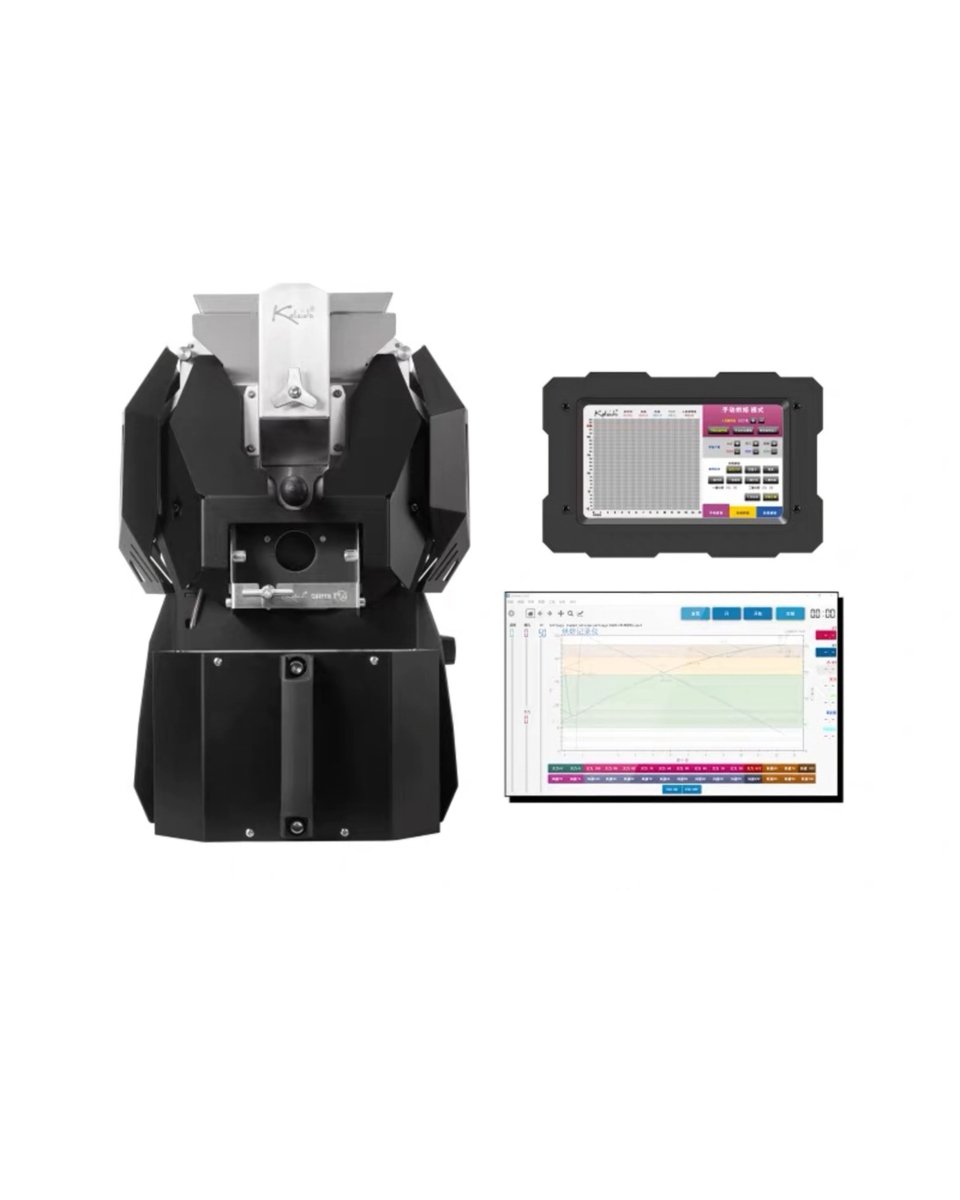
Choose the Smart, Artisan or Dual version to suit your workflow. During a roast you can monitor bean temperature, environmental temperature and ROR, mark key events, and adjust heat, airflow and drum speed to build, compare and repeat roast profiles for different coffees.
Product Information
From Small-Batch Practice to a Complete Roasting Workflow
The M6/M6S sits between the M2 and M10, offering more than a larger maximum batch of 700g. It retains roast-profile monitoring, physical sampling and control over key parameters for users who need greater capacity. Suitable uses include sample and cupping roasts, specialty-coffee trials, roasting classes, recipe development and small-batch in-house roasting for cafés.
The manufacturer's hardware manual gives a reference throughput of up to approximately 2.5kg of green coffee per hour. Actual output depends on preheating, batch size, roast level, profile length, cooling and cleaning between batches, so this figure is not a guaranteed production rate.
KALEIDO M6/M6S Coffee Roaster Features
-
Recommended batch size: 200–600gSuitable for experienced home roasters, studios, roasting classes, sample evaluation and small-batch café use; maximum capacity 700g.
-
Carbon-fibre infrared heating with recirculating hot air:Infrared heating provides a responsive electric heat source, while recirculating hot air helps transfer heat to the coffee and manage exhaust.
-
304 stainless-steel perforated drum:The perforations expose the coffee to infrared heat and circulating hot air while allowing loosened chaff to fall into the collector below.
-
Heat, airflow and drum-speed control:Adjust the main parameters for the coffee variety, processing method, batch size and target roast profile.
-
Adjustable dual temperature probes:Monitors bean temperature and environmental temperature. Probe depth can be adjusted, and the selected control system displays ROR and profile changes.
-
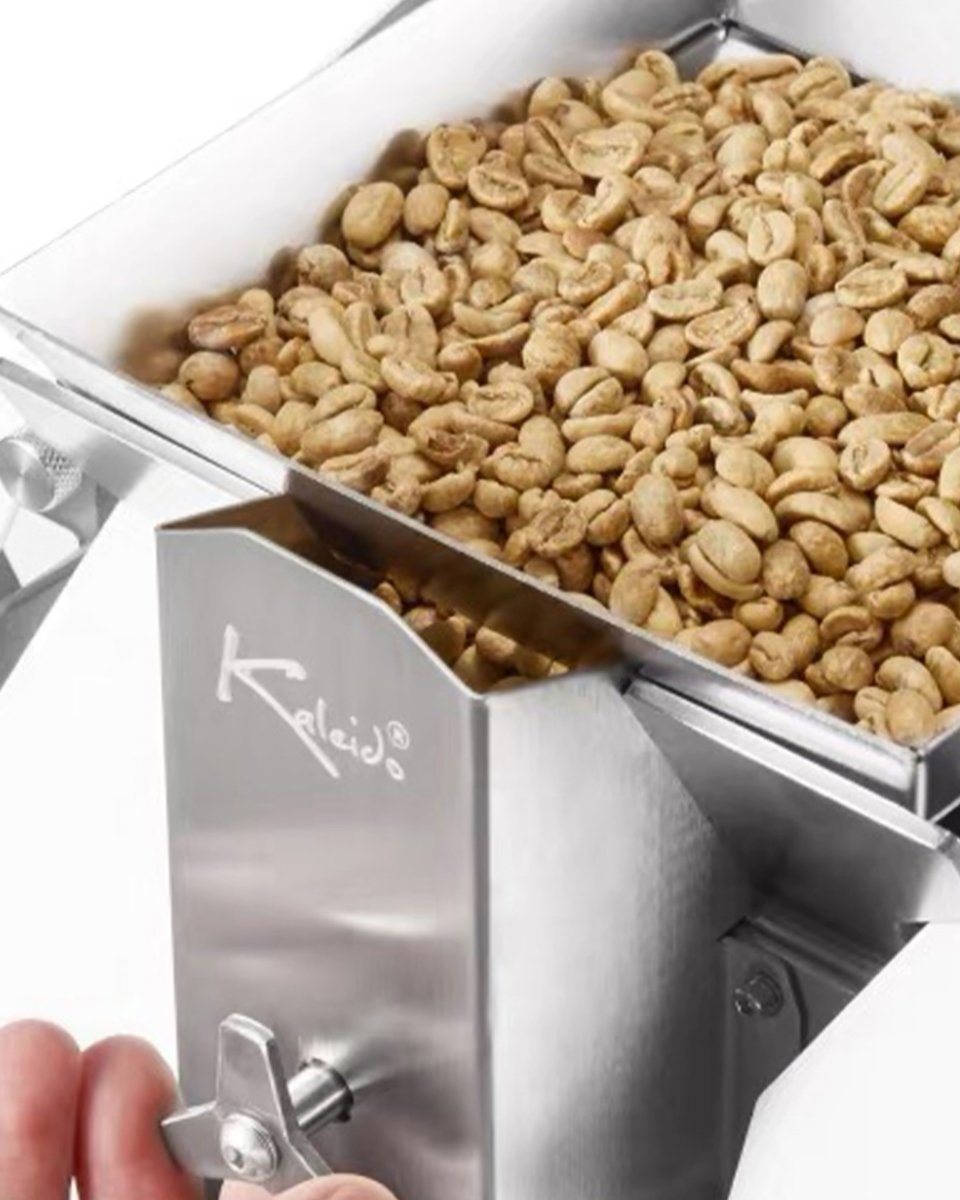
Charging hopper and rotary gate:Once preheating is complete, open the gate to charge the green coffee.
-
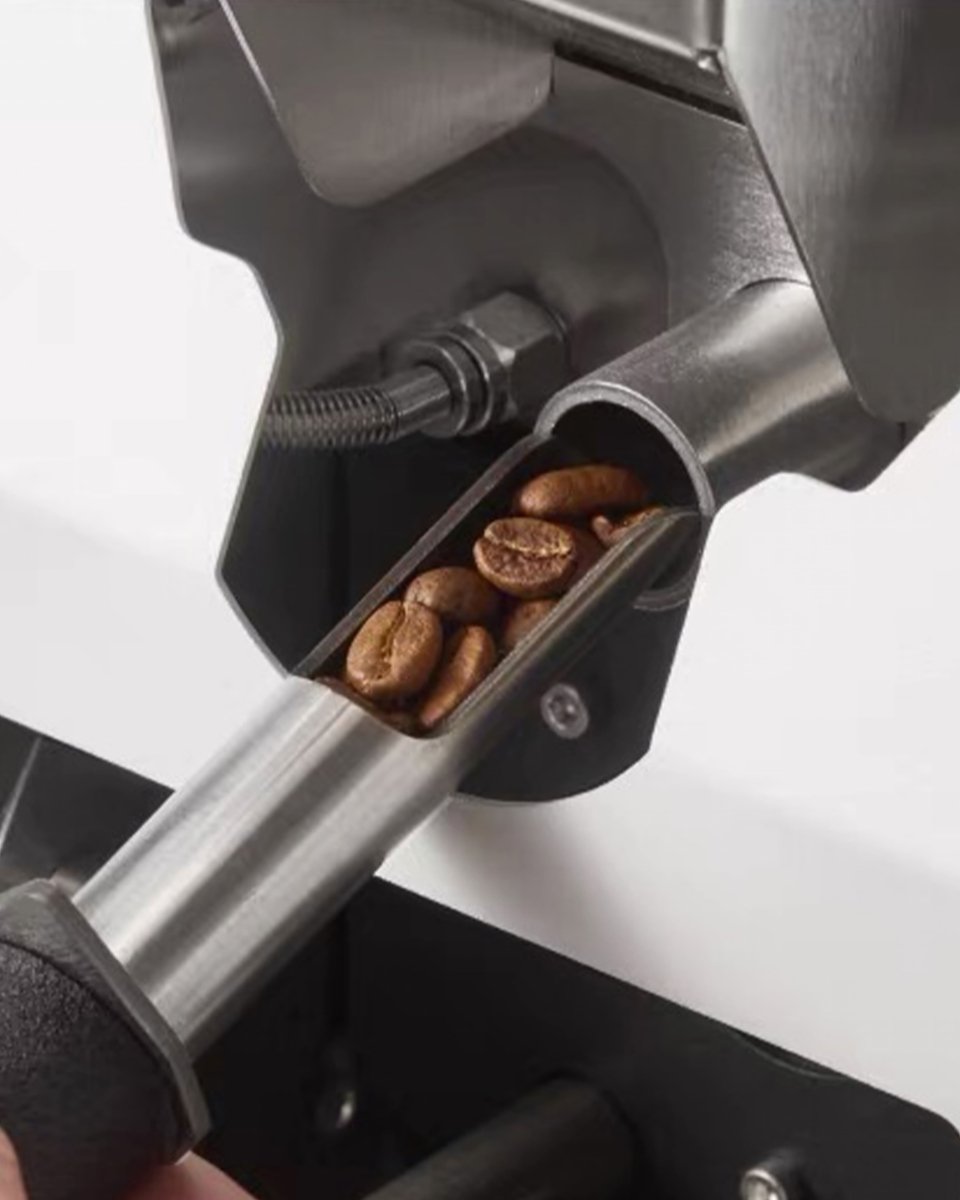
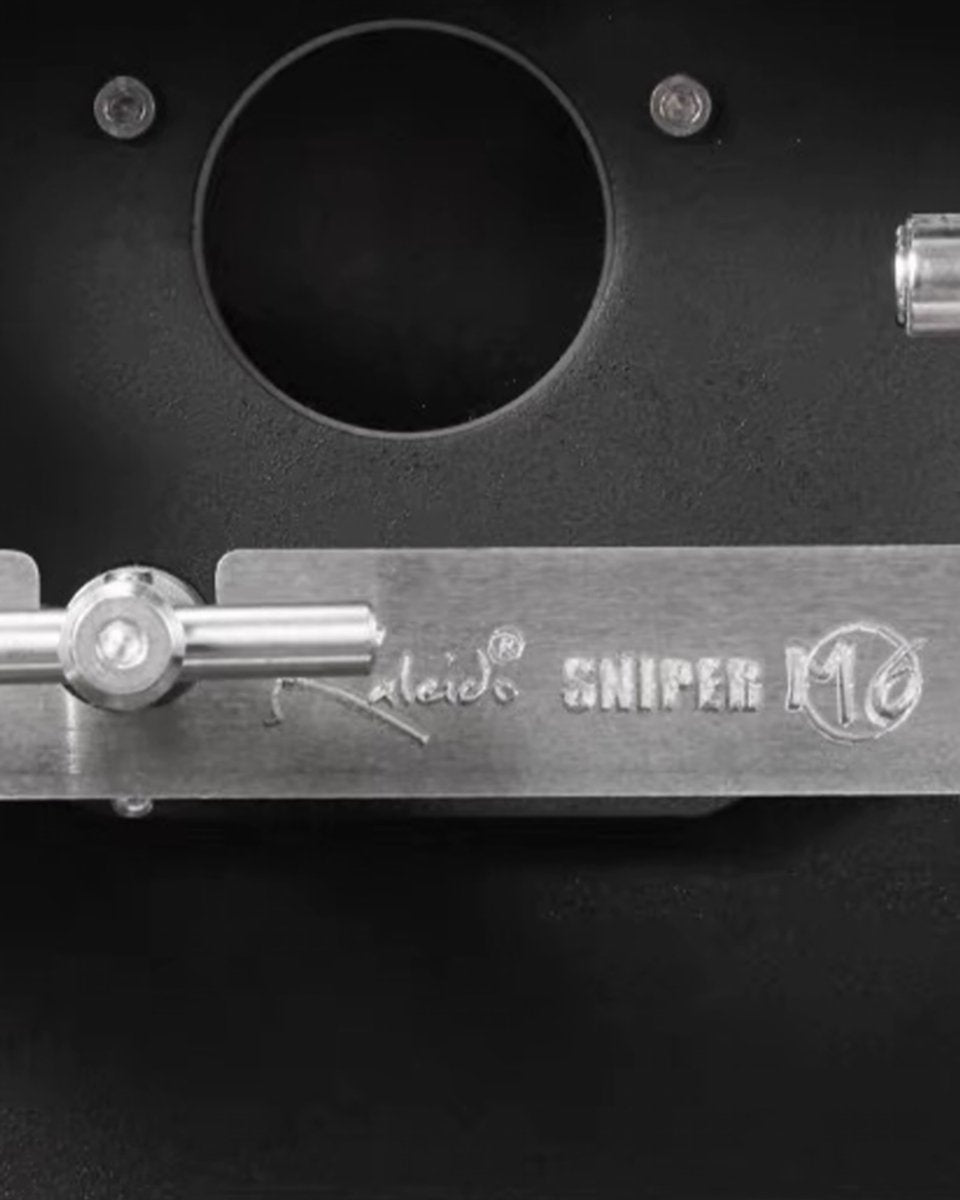
Side-mounted trier and viewing window:Draw a small sample during roasting, then use the sample light and quartz viewing window to assess colour and roast development.
-
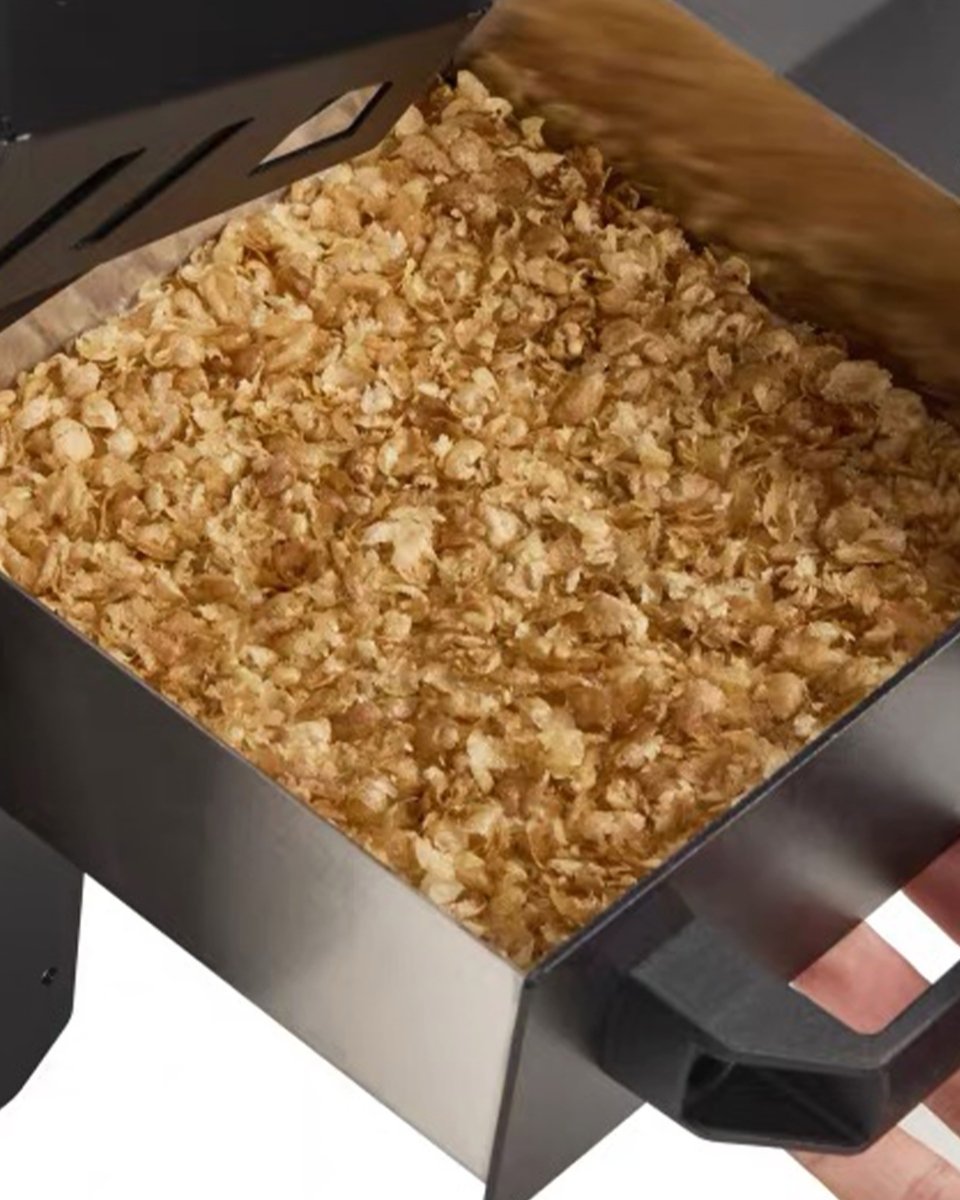
Automatic chaff collection:Chaff collects in a drawer for straightforward inspection and cleaning after each roast.
-
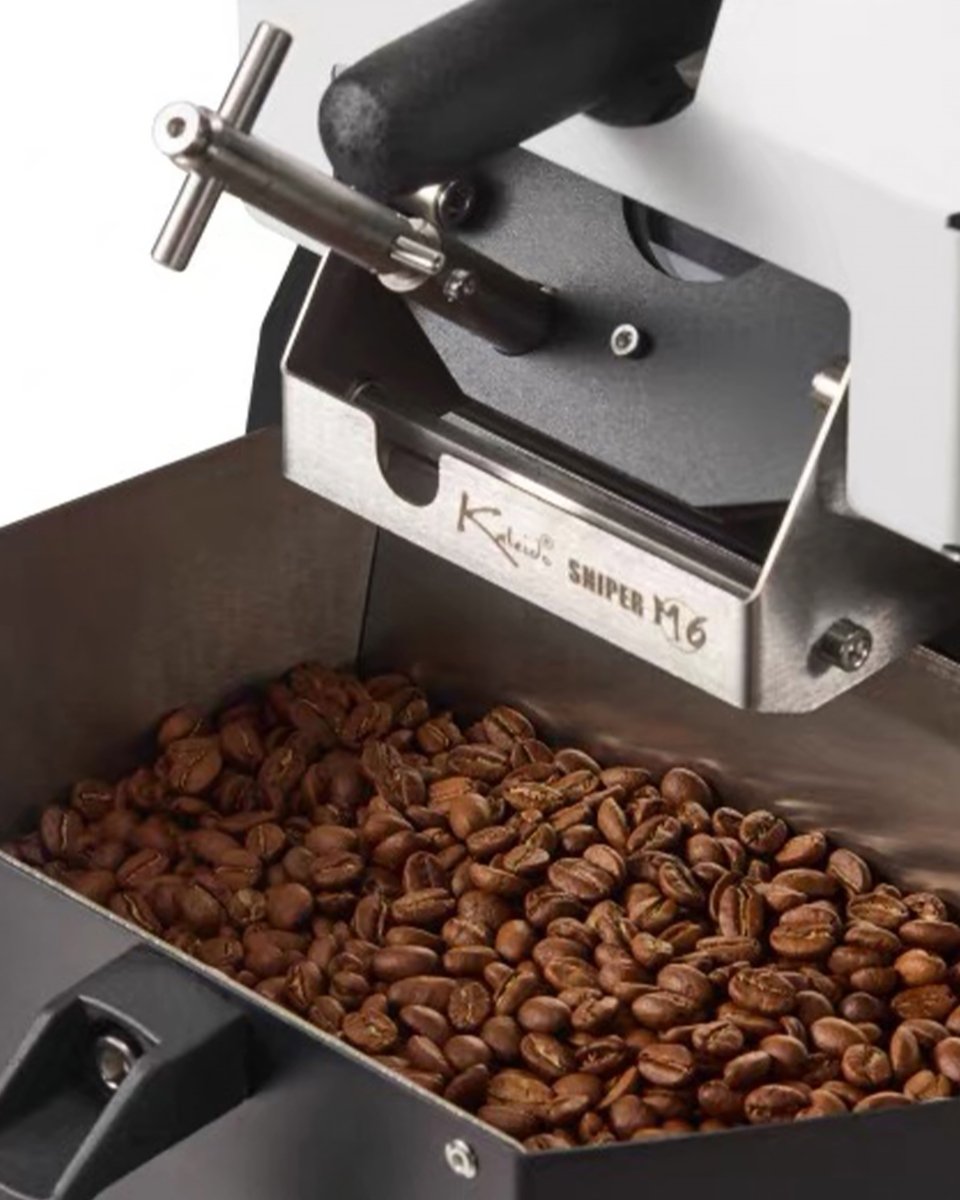
Independent dual fan cooling:The cooling tray draws heat away from several directions to slow further roast development after discharge. Public information for different versions gives an approximate reference cooling time of 2–5 minutes.
-
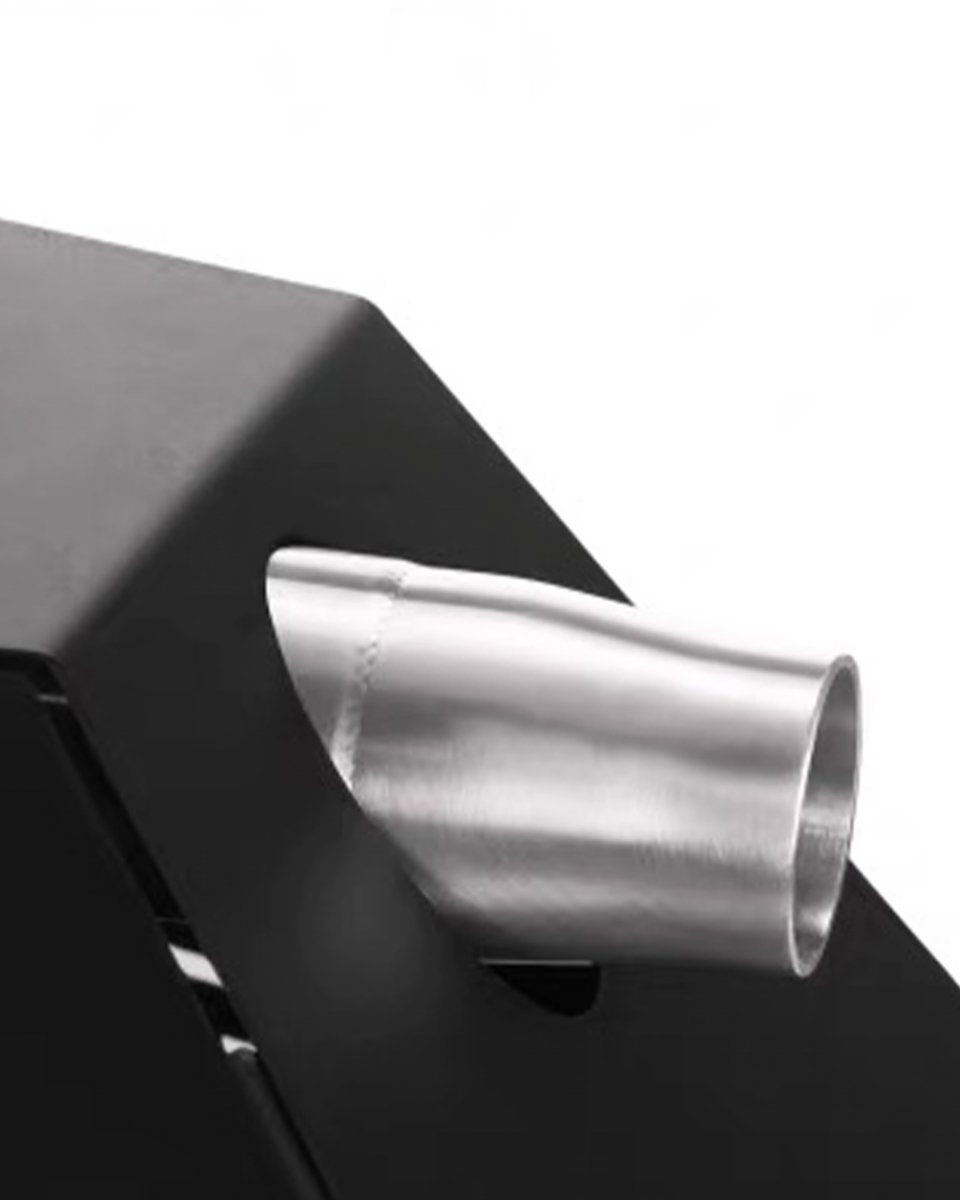
Built-in smoke exhaust structure:An internal fan and exhaust path direct smoke towards the outlet. Coffee roasting still produces smoke and odour, so adequate ventilation and a suitable exhaust arrangement are required.
Main Machine Components
| Position / component |
Function |
| Top charging hopper and rotary gate |
Charge the green coffee after preheating; the rotary gate opens and closes the charging path. |
| 304 stainless steel mesh roller |
Agitates the coffee as it rotates, combining infrared heat with recirculating hot air while allowing loosened chaff to fall into the collector. |
| Bean-temperature and environmental-temperature probes |
Send BT and ET readings to the selected control system; probe position can be adjusted as needed. |
| Side-mounted rotary trier |
Remove a small sample during roasting to assess colour, aroma and roast development. |
| Sample light and quartz viewing window |
Helps you observe colour changes in the drum without opening the main chamber. |
| Bean-discharge handle and cooling tray |
Discharge the beans at the desired development point, then cool them with the separate twin-fan system. |
| Chaff collection drawer |
Collects chaff and small debris released during roasting for inspection and cleaning after each batch. |
| Smoke exhaust duct |
Directs roasting smoke towards the exhaust outlet. Ventilation and extraction suited to the installation site must still be provided. |
Choose Among Three Control Systems
| Version |
Primary control method |
Roast profiles and data |
Best suited to |
| Smart |
Kaleido touch control interface |
Live BT, ET and ROR; event markers; profile save/load; manual mode and supported automatic modes |
Users who prefer an integrated interface without relying on an external computer for every roast |
| Pro (Artisan) |
Computer running Artisan |
Profile recording, analysis, annotations, comparison and supported control functions |
Existing Artisan users who prioritise data management and custom workflows |
| Dual |
Kaleido system + Artisan |
Switch between the two workflows as needed |
Users who want both touchscreen control and an Artisan workflow |
Connection method, included controller and compatible devices vary by control board, version and production batch. Check the specifications for the version selected at checkout.
From Live Profiles to Reproducing Previous Roasts
View BT, ET and ROR in Real Time
The selected control system plots bean temperature, environmental temperature and rate of rise. Use these trends together with the bean's colour, aroma and crack response rather than relying on a single temperature reading.
Mark Roasting Events
Mark charge, turning point, first crack, second crack and discharge so that time, temperature and control changes can be compared between batches.
Save, Load and Compare Profiles
Save the completed roast profile and batch notes. On a later roast, load the saved profile as a visual reference for manual tracking or use the applicable automatic mode for temperature or heat tracking.
Manual Intervention During Automatic Modes
In the applicable automatic modes, the roaster can still adjust heat, damper and drum/agitation settings to respond to the coffee and conditions while using the saved profile as a reference.
From Charging to Cooling: The Operating Workflow
-
Pre-use checks:Check the power supply, plugs, ventilation and exhaust, and ensure that the chaff drawers, cooling plate and sampler are installed correctly.
-
Preheat:Start the drum and airflow, set the preheat temperature and begin heating.
-
Charge the beans:When the target preheat temperature is reached, mark the charge event in the control interface, then open the charging gate.
-
Manage the roast profile:Adjust the heat, airflow and drum speed according to the bean temperature, ambient temperature and ROR.
-
Observe and mark events:Use the trier, viewing window and event markers to record turning point, first crack, second crack and other important stages.
-
Discharge and cool:At the target development point, discharge the coffee, stop heating and start the separate cooling system.
-
Save the record:Save the completed profile and batch notes for later comparison, adjustment or repetition.
-
Clean:Inspect and clean the chaff drawers after each batch; further cleaning should be done only after the machine has cooled.
Who It Suits
-
Experienced home roasters:Users upgrading from a smaller roaster to a maximum capacity of 700g.
-
Coffee studios and roasting classes:Users who need to record profiles, compare settings and run repeat trials.
-
Small coffee shops:Small-batch roasting, limited coffees, recipe testing or cupping preparation.
-
Artisan users:Choose the appropriate version to record and analyse roast data in Artisan.
How to Choose Between M1, M2 and M6
| Model |
Typical batch range |
Best suited to |
| M1/M1S |
Recommended 50–150g, maximum 200g |
Home small production batches, practice and cupping |
| M2/M2S |
Recommended 100–350g, maximum 400g |
Experienced home roasters, studios and smaller production batches |
| M6/M6S |
Recommended 200–600g, maximum 700g |
Larger batches, classes, studios and small-batch café roasting |
For more practice batches from a smaller amount of green coffee, M1 or M2 offers greater flexibility. If you regularly roast around half a kilogram or want fewer repeat batches of the same recipe, the capacity of M6/M6S is likely the better fit.
Models, Specifications & Compatibility
Specifications
| Brand |
KALEIDO |
| Series / model |
Sniper M6/M6S |
| Recommended batch size |
200–600g |
| Maximum capacity |
700g |
| Manufacturer's reference hourly throughput |
Up to approximately 2.5kg of green coffee per hour; actual throughput depends on the roast profile, batch size and workflow |
| Heating system |
Carbon-fibre infrared heating with recirculating hot air |
| M6S Structure |
Sealed bean-chamber version; generation depends on the production batch supplied |
| Control versions |
Smart (Kaleido system) / Pro (Artisan) / Dual |
| Operating modes |
Manual operation; supported systems can load saved profiles and provide automatic profile modes |
| Roast-profile data |
BT, ET, ROR, event markers and profile save/load; features vary by version |
| Temperature monitoring |
Dual bean-temperature and environmental-temperature probes with adjustable position |
| Primary adjustments |
heat, airflow and drum speed |
| Drum |
304 stainless steel mesh roller, adjustable speed |
| Bean charging |
Top charging hopper and rotary gate |
| Sampling / observation |
Side-mounted rotary trier, sample light and quartz viewing window |
| Chaff collection |
Automatic chaff collection drawer |
| Smoke exhaust |
Built-in exhaust path; suitable ventilation and extraction are still required |
| Cooling |
Separate twin-fan cooling system; public reference times vary by version at approximately 2–5 minutes |
| Reference roast time |
Public reference times vary by version at approximately 4–15 minutes; coffee, batch size, environment and roast profile all affect the result |
| Machine dimensions |
Approx. 61 × 30 × 42 cm |
| Net weight |
about 20kg |
| Reference package dimensions / weight |
Approximately 68 × 38 × 58 cm / 32kg; confirm against the package supplied |
| Rated voltage / power |
Confirm against the version ordered and the machine's rating plate. After ordering, contact customer service if you need to confirm whether a regional power configuration can be changed. |
| Safety features |
The hardware manual lists leakage protection and an internal-temperature limit that stops heating; plugs and configurations vary by version. |
| Import status |
Parallel import |
Specifications, control systems, connections, interface languages, plugs and included accessories may vary by version and production batch. Refer to the configuration selected at checkout and the unit supplied.
Brewing Performance, Technical Details & Troubleshooting
Frequently Asked Questions
Is the KALEIDO M6/M6S Suitable for Beginners?
The Smart version's integrated touchscreen makes it easier to establish a roasting workflow. The M6/M6S still handles larger batches and offers several adjustable parameters, so users should first understand basic roast stages, ventilation, exhaust and safe operation.
How Much Coffee Can I Roast in One Batch?
The recommended batch size is 200–600g, with a maximum capacity of 700g. Green-coffee density and moisture, ambient conditions and the target profile all affect performance; for consistent batches, do not treat the maximum capacity as the default daily batch size.
How Much Green Coffee Can It Process per Hour?
The manufacturer's hardware manual lists a reference maximum of approximately 2.5kg of green coffee per hour; this is not a fixed production rate. Actual throughput depends on batch size, preheating, roast level, profile length, cooling, exhaust and cleaning between batches.
What Data Can the Smart Version Record?
The applicable Kaleido system displays bean temperature, environmental temperature and ROR; marks charge, turning point, first crack, second crack and discharge; and saves or loads earlier profiles. Depending on version, automatic profile mode can track temperature or heat while still allowing manual adjustment of key parameters.
Do All Versions Support Artisan?
The Artisan version (Pro) and the dual-system version (Dual) provide Artisan workflow; the smart version mainly uses the Kaleido system. Connection methods, compatible devices and software requirements will vary with control board version and should be checked before purchase.
What Is the Difference Between Pro and Dual?
Pro is centred on an Artisan workflow. Dual retains both the Kaleido touchscreen system and Artisan support. Choose Pro if you only need Artisan; consider Dual if you want touchscreen operation and both workflows.
Does the Built-In Exhaust Make It Completely Smokeless?
No. The built-in exhaust helps direct smoke to one outlet, but roasting still produces smoke, odour and chaff. Use the roaster in a well-ventilated location with extraction appropriate to the batch size and installation.
How Long Do the Coffee Beans Take to Cool?
Public information for different M6/M6S versions gives reference cooling times of approximately 2–5 minutes. Actual cooling depends on batch size, room temperature, tray airflow and cleanliness.
How Long Does One Roast Take?
Public reference figures for different versions are approximately 4–15 minutes. Coffee, batch size, preheating, target roast level and profile design all affect the time, so doneness should not be judged by minutes alone.
Can I Roast Consecutive Batches?
Because cooling operates separately, you can prepare the roaster for the next batch while discharged coffee cools. Follow the manual and account for electrical supply, exhaust, machine temperature and cleaning between batches.
Which Parts Need Routine Cleaning?
Check and clean the chaff drawer after every batch. Once the machine has fully cooled and is disconnected from power, remove fine chaff, dust, flat beans and fragments from the drum. Do not open the machine while it is powered or hot.
Can I Use the Machine Immediately After Delivery?
Installation and assembly can vary by region, shipping method and production batch; some versions may require heater installation or controller connection. Before first use, inspect, install and verify the power supply according to the manual supplied with the unit. Do not rely on installation videos for a different version.
Which Accessories Are Included?
Controllers, connection cables, exhaust accessories, plugs and other included items may vary by Smart, Pro or Dual configuration, control board and production batch. Refer to the packing list for the selected SKU; accessory sets shown for other regions are not guaranteed to match.
Can I Use the M6/M6S at Home?
Home use is possible where there is sufficient space, ventilation, suitable extraction and an appropriate electrical supply. Before purchase and installation, check voltage, power, plug and circuit load against the machine's rating plate. If unsure, consult a licensed electrician.
Before Use
- Before use, read the manual for the version supplied and check the rating plate, voltage, power and plug.
- Operate in a well-ventilated area away from flammable materials. Do not block the exhaust outlet or assume that the built-in exhaust makes roasting smoke-free.
- Do not leave the roaster unattended. The hardware manual says not to set bean temperature above 230°C; this is a safety limit, not a recommended roast endpoint.
- Continue cooling after discharge. The hardware manual says to keep the relevant system running until the coffee falls below 50°C; follow the instructions for the version supplied.
- Inspect and clean the chaff collector after every roast. Do not touch or disassemble the machine while it is hot.
- The body, drum and exhaust outlet become hot during use. Leave the safety clearances specified in the manual for the installation.